
Closing a cash shift without integration with a credit card terminal.
Open the "Working with the cashier" module.
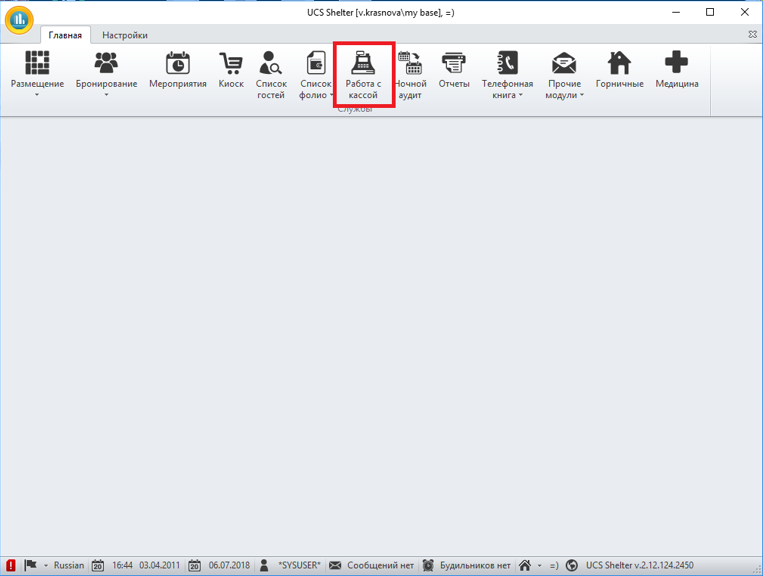
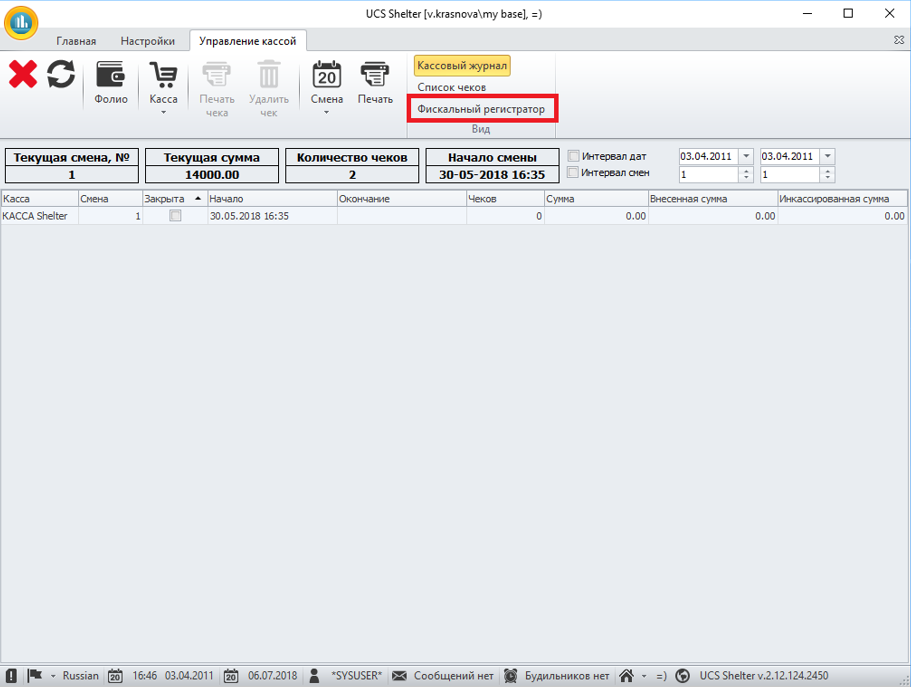
Open the "Fiscal Registrar" tab to withdraw the X-report at the checkout.
Click on the "X-Report" button in the "Fiscal Registrar" tab.
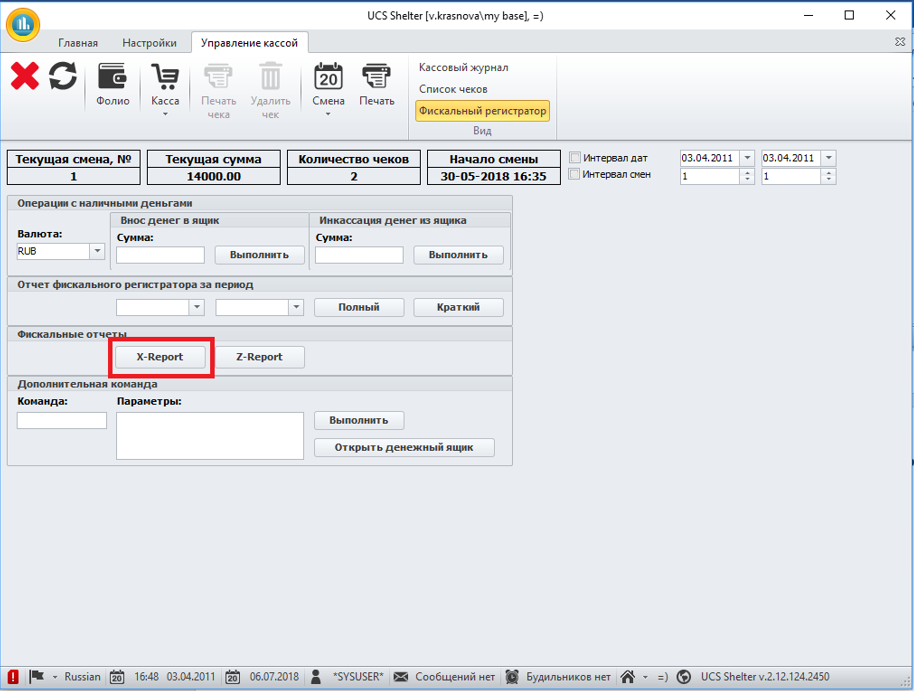
After clicking on the "X-Report" button, an X-report will be released from the checkout.
Click on the "Print" button to remove the X-report in the Shelter.
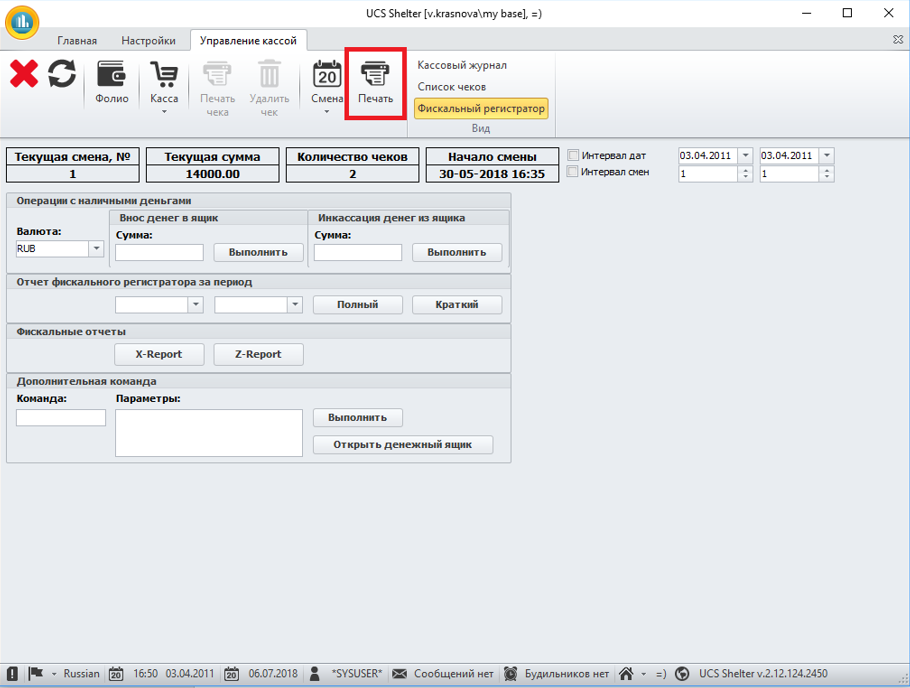
The X-report from the fiscal registrar will contain the amount worked through per shift.
After clicking on the "Print" button, a window opens with a list of reports in which you need to select "Shift Report".
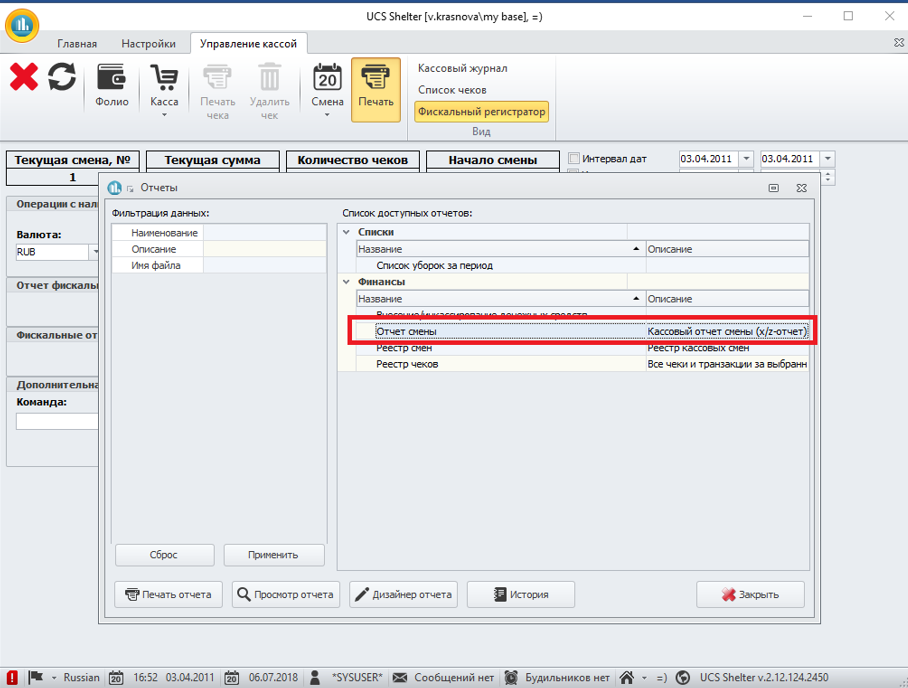
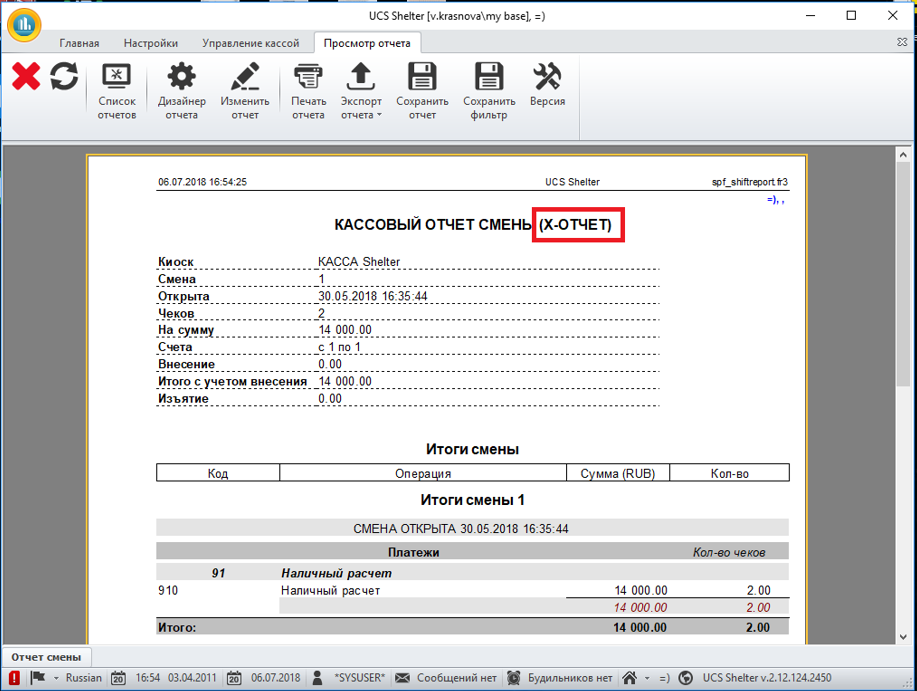
View the report (you do not need to print it), compare the amount of cash and credit cards with the X-report that was printed from the cash register, and close this report.
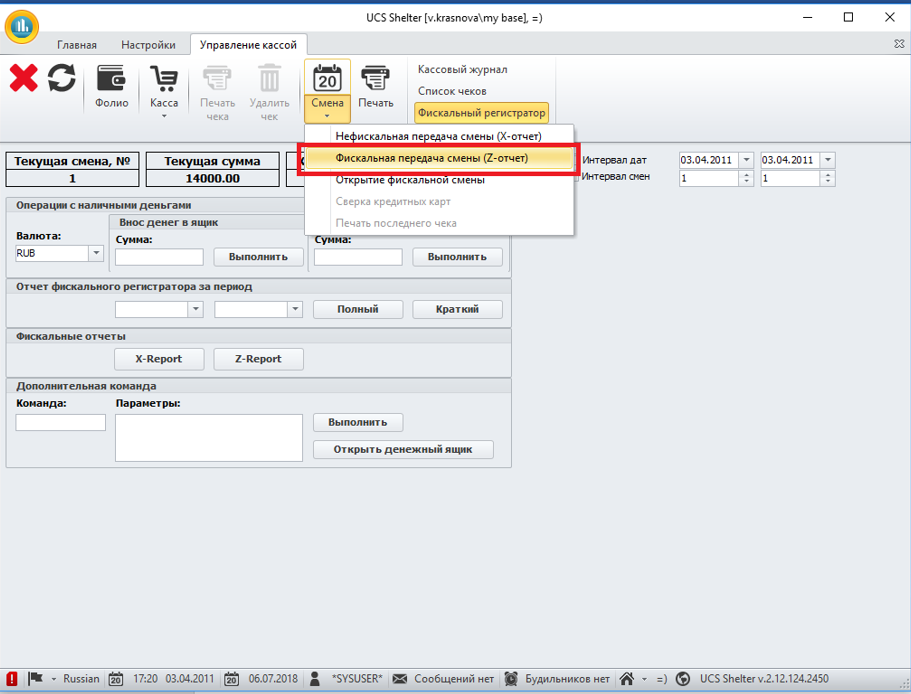
Click on the "Shift" button to close the shift in the Shelter and at the checkout.
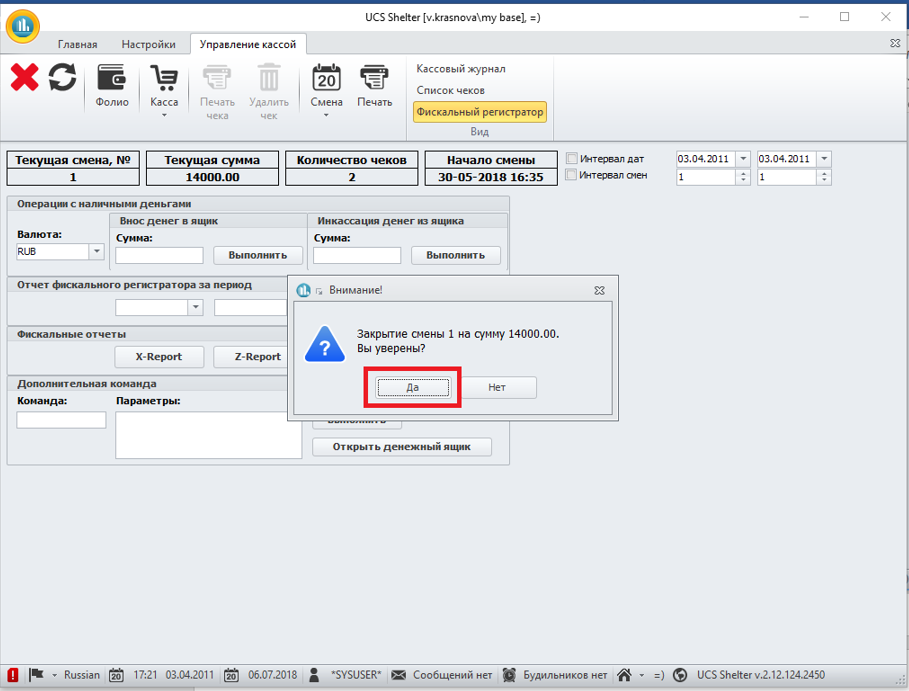
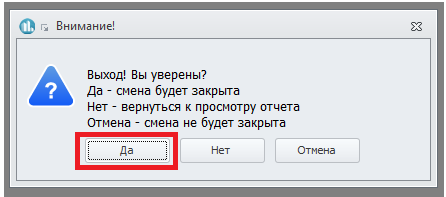
In the window that opens, click on the "Yes" button.
After clicking on the "Yes" button, a window opens with a list of reports in which you need to select "Shift Report".
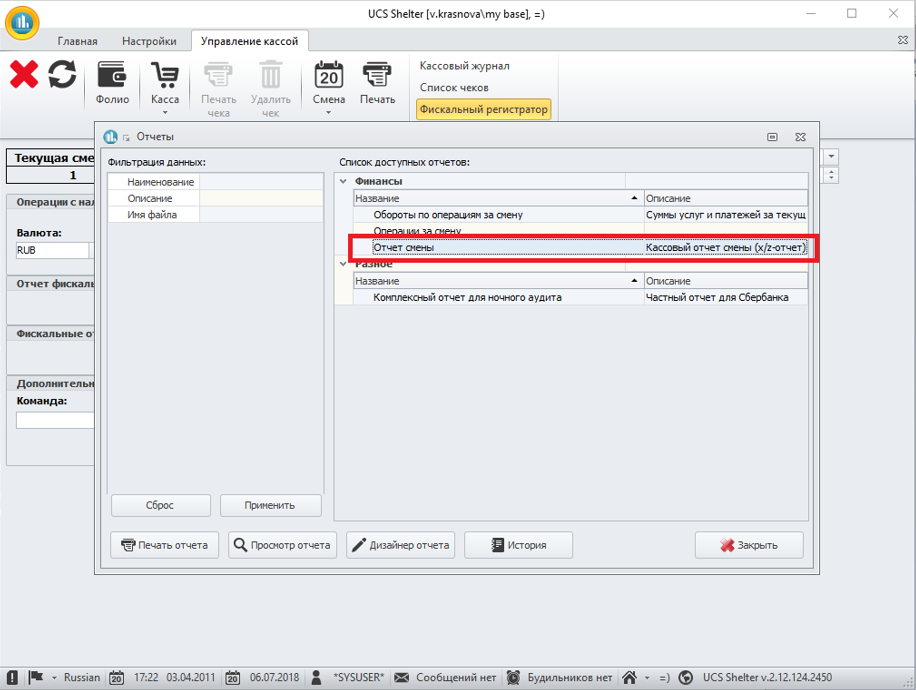
Open this report and be sure to print it by clicking on the "Print" button.
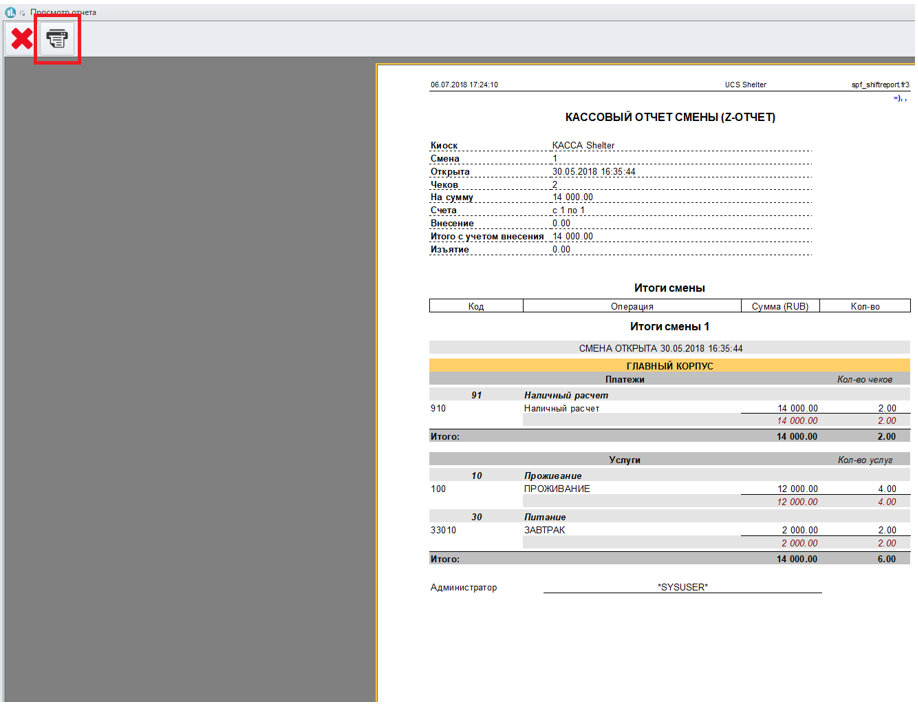
In the window that opens, click on the "Yes" button to close the shift.
Close the list of reports.
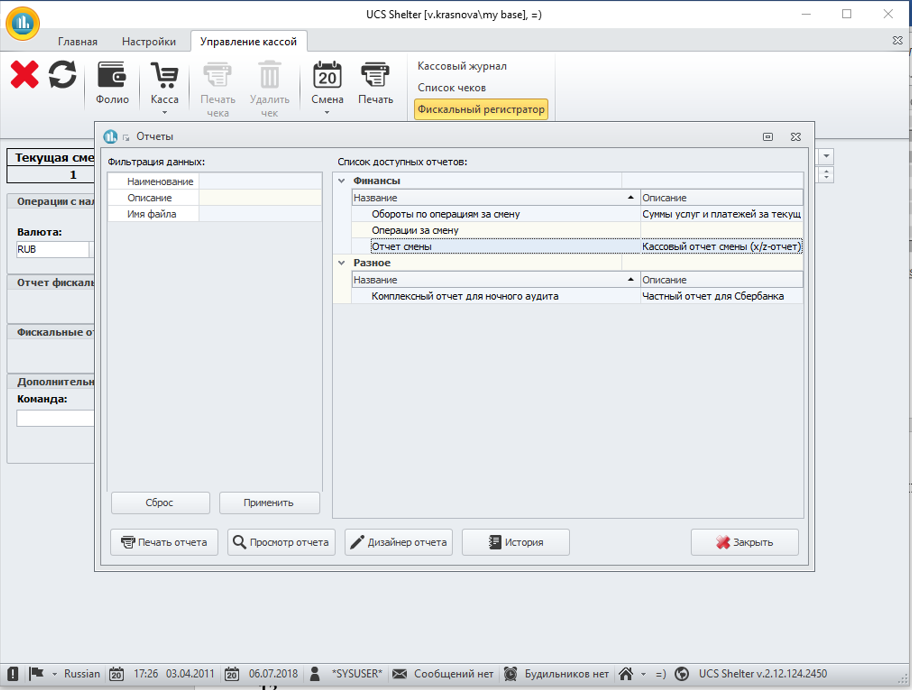
After closing the list of reports, a window will appear:
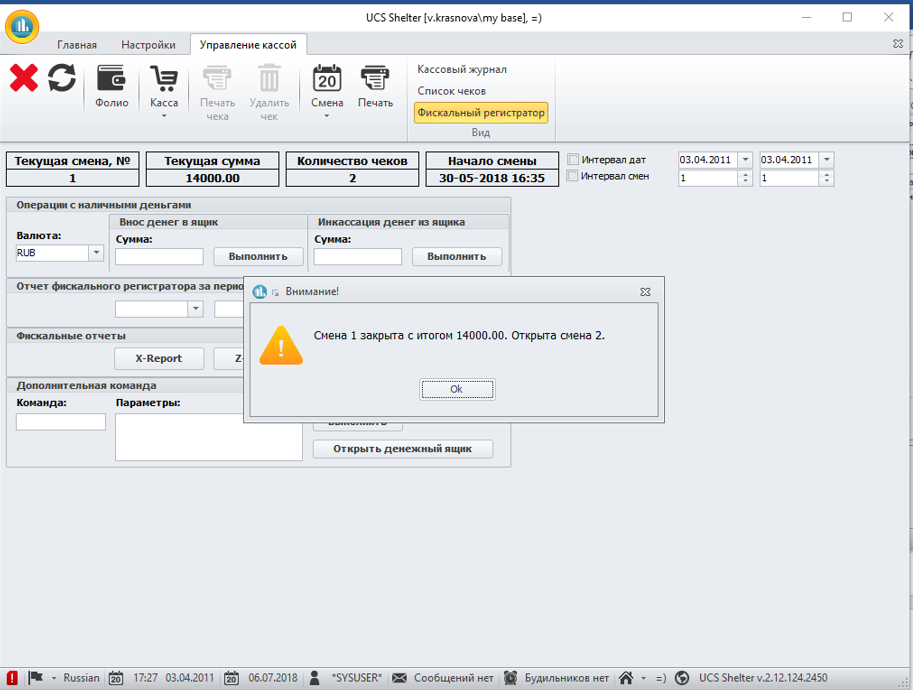
In this window, click the "Ok" button. After clicking on the "Ok" button, a Z-report will be automatically released from Yandex.Checkout.
We close the shift using the credit card terminal (there is no integration with the program).
TOTAL ON HAND:
1. Shift Report (Z-report) from Shelter,
2. Cancellation report from the cashier,
3. Slip receipts from the credit card terminal.