Setting up an autotransfer in the settlement. It is used for transferring services to a given folio. It can be applied when 2 rooms live in cash and one room pays for the other.
It is necessary to open the booking/settlement card from which you want to transfer services to another folio.
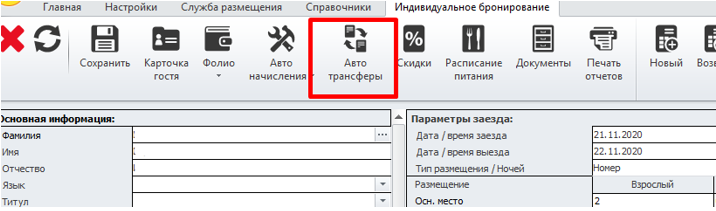
On the top panel, click the "Autotransfer" button.
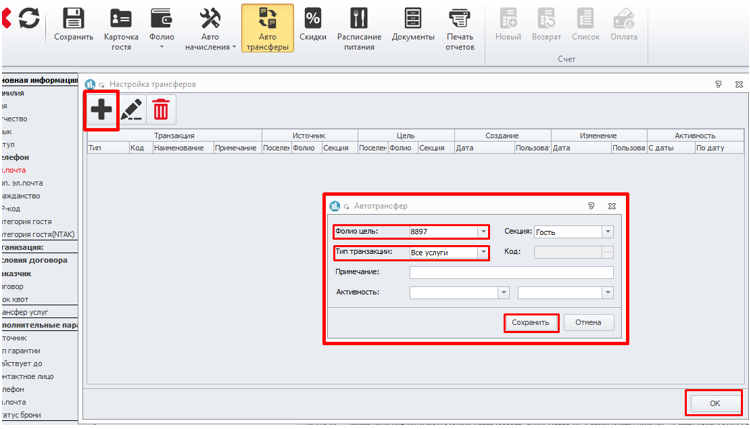
In the window that opens, click the plus sign in the upper-left corner. In the window that opens, you must specify the folio number, where the services will be moved and which services should be moved. Next, click save to save the selection window, and then click OK to close the autotransfer window.
Next, you need to save the reservation/settlement.

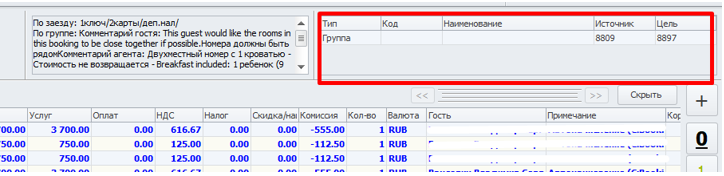
A sign will appear inside the folio, the same as if a regular transfer scheme had been installed.
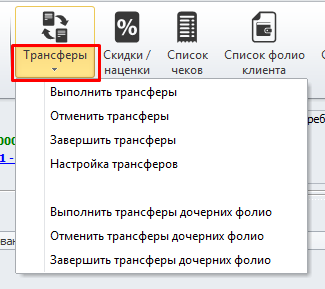
If the autotransfer was installed during the guest's stay and the services have already been credited to the settlement's folio, then only newly accrued services will be included in the transfer. In order for the services accrued earlier to be moved in the same way, you need to go to the folio from which the services should be moved, click the "Transfer (down arrow)" button on the top panel and select "Make transfers" in the drop-down list.